
What role does STEM play in entertainment?
June 30, 2026
AI and Consciousness: The Big Questions
July 1, 2026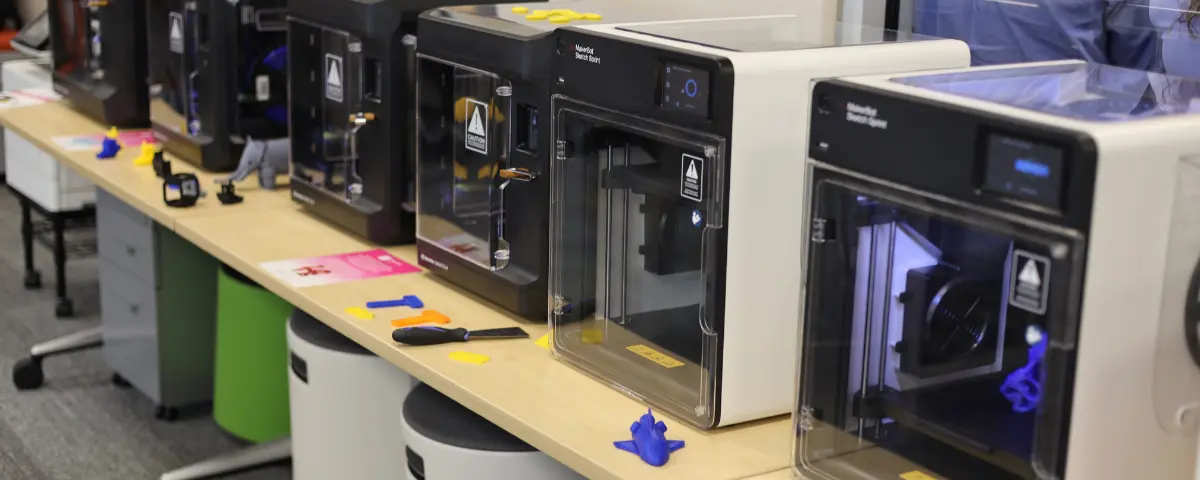
3D printing is one of the most popular technologies in makerspaces and STEM classes. Students are excited to print their creations, and educators love their students’ enthusiasm. However, purchasing 3D printers for your classroom is just the first step. Without a clear plan, even the best 3D printers could sit unused.
Before Ordering Your Technology
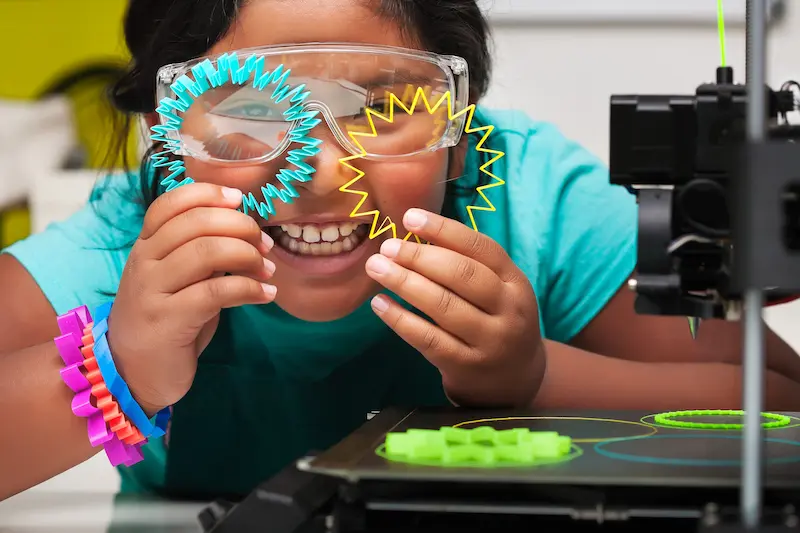
Before printing your first model, consider these three essential questions that will help you build a sustainable 3D printing program.
- What’s Your Why? Before purchasing a 3D printer, define the purpose of your program. Are you introducing students to engineering, building design-thinking and problem-solving skills, or preparing them for careers that use additive manufacturing? A clear purpose helps ensure the printer becomes a meaningful learning tool rather than a machine used only for novelty prints. It also makes it easier to align projects with state and national standards.
- Who’s Your Who? Determine who will benefit from your 3D printing program. Will your printers only be used by students, or will teachers at your school or district also have access to this technology? Identifying your audience helps you estimate the number of users, manage print requests, and establish realistic expectations. It also guides decisions about how your program should be organized and funded.
- What’s Your How? Decide where your printers will be located by considering power outlets, ventilation, noise levels, and student access. Develop a system for scheduling print jobs, submitting files, and returning completed models.
Design Your Workflow Before You Print
A successful 3D printing program starts with efficient setup and established routines. When setting up your space, consider the logistics (outlets, ventilation, noise, etc.), but also consider how distracting 3D printers can be for students. You may have to put your printers in a corner or designated space, so students won’t be tempted to just watch the printer while you’re teaching. At the same time, students need to be able to easily access these printers to submit a print or retrieve a finished prototype.
Depending on how many people will have access to your printers, you might need to set up a schedule so other teachers and classes have a designated time to design and print their creations. There are three ways to submit files to a 3D printer. You can use a USB drive to upload a file to a printer, which is easy and compatible with nearly every printer, but you can’t preview designs or manage multiple designs at a time. Another option is using a wired or wireless connection to send the design directly to the printer. While this is simple and accessible, it means that you won’t have control over what gets sent to the printer, which could become chaotic with a large group of students. The last option is using a cloud service such as Google Drive or Dropbox, which allows you to preview files and decide when to print them. This means you can put multiple prints on the same plate, which could speed up your printing time. It also means you’ll be able to efficiently track down who requested a specific print and return the completed print to them.
Empower Students Through Ownership
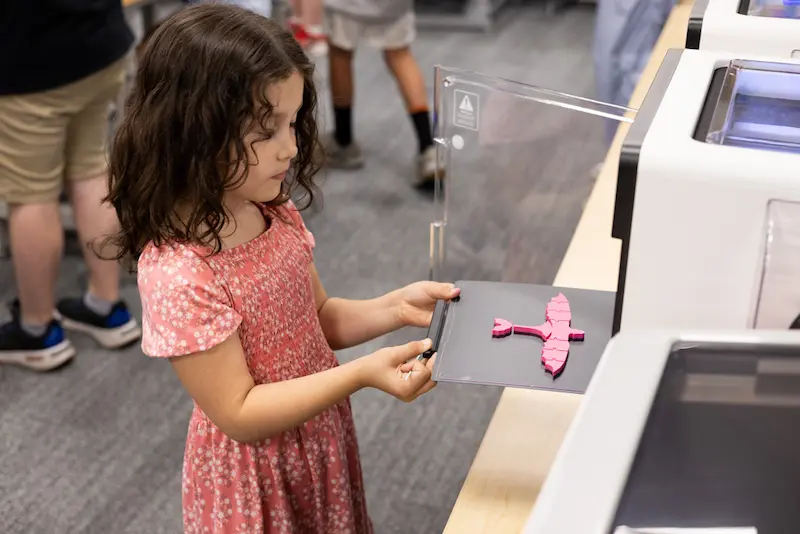
A 3D printing program doesn’t have to rest solely on the educator’s shoulders. As students gain experience, they can be trained to manage printers and troubleshoot common issues. These student leaders can organize files, monitor ongoing print jobs, and distribute completed models. By allowing students to have an active role in the program, they develop technical skills and take responsibility for the space. Giving students ownership of the program helps students gain valuable real-world experience while helping create a collaborative and sustainable STEM learning environment.
Build a Program That Grows With Your Classroom
A successful 3D printing program is built on thoughtful planning rather than on the printers themselves. By defining their purpose, identifying their audience, and creating efficient workflows, educators can transform a single printer into a valuable STEM learning resource. Every program evolves, so you don’t need to have everything figured out. You’ll be able to refine your processes as your students’ and your program’s needs grow.
STEM Education Works is dedicated to providing cost-effective and user-friendly access to top-notch STEM curricula and technologies, driven by our mission to transform students’ lives. Learn more about what we do through our socials, Facebook, Twitter, Youtube, LinkedIn, Instagram, and TikTok.