
Could synthetic food and lab-grown meat end world hunger?
June 29, 2026
What if You Could Break the Laws of Physics?
June 29, 2026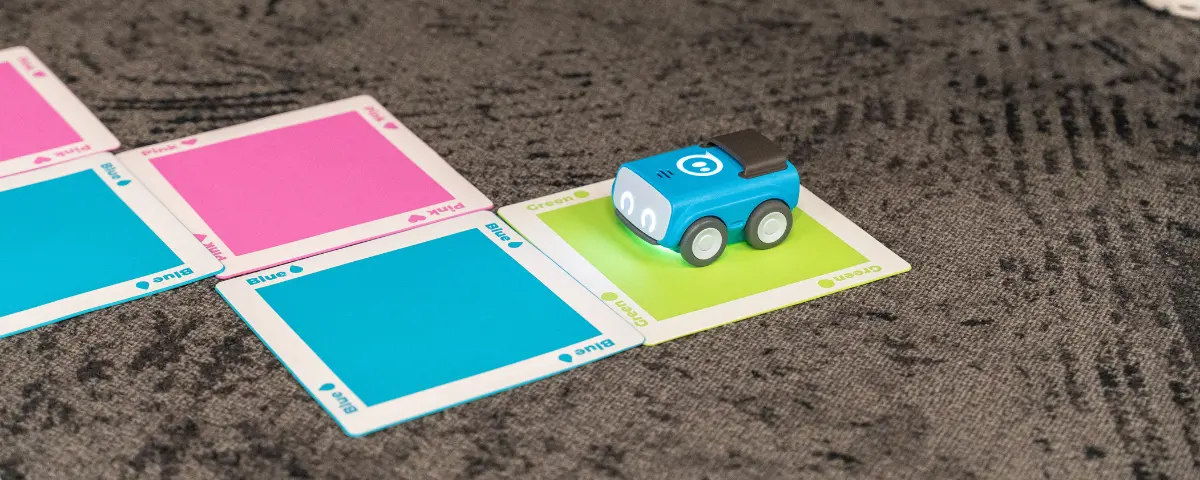
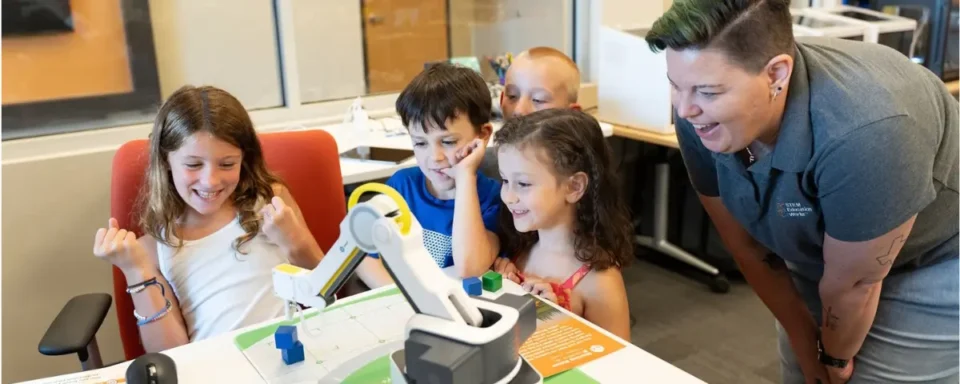
Sphero robots are a great way to get students excited about coding and build computational thinking skills. With several robots and students working on different projects, managing your classroom can quickly become overwhelming. Without a clear organization system, it’s difficult to manage assignments and track student progress, leading to students just playing with the robots instead of learning. Sphero Central helps educators create a structured learning environment that keeps robotics focused on meaningful STEM education.
Start with an Organized Classroom
To get started using Sphero Central, all you need to do is create an account and add a class. From there, your students can join the class using a code, or you can import your class through a spreadsheet or add students manually. Sphero also connects to your Google Classroom. We suggest having your students join using a code if you see many students in a day, as a librarian or after-school program leader. Using this website, you can easily keep track of all your students, their assignments, and their current progress all in one place.
Assign Meaningful Coding Activities

As soon as you’ve set up your classroom, you can start exploring free coding lessons and activities on Sphero’s website. Each activity includes which Sphero robots are compatible with the lesson, so whether you have Sphero Indi, BOLT, or BOLT+, you can find activities suited to your needs. You can also filter by grade level, time duration, and what standards the activity meets. Sphero is constantly updating its lessons to include state standards along with national standards. You can preview every lesson before assigning it to your class, and see how many other teachers recommend that lesson. With these structured lessons, you can ensure that your students are learning and meeting academic standards instead of treating Sphero as a toy.
Monitor Student Progress with Ease
When you assign an activity to your class, you can view each student’s progress through the Sphero classroom. You can see if they’ve started the project, their current progress as a percentage, and when they’ve completed the project. Using each student’s progress, Sphero can create a class progress report, so you can see how the class is doing overall. You can even customize these reports to focus on specific standards your school might be struggling with. With every project, you can see the student’s code and easily provide feedback all within the online platform.
Encourage Collaboration While Staying Organized
When you have a classroom full of robots, it can be difficult to make sure that every student is participating and working together. Using Sphero Central, students can share their work with classmates and collaborate on coding activities. Many older students enjoy exploring with Sphero, and you can review their programs before sharing them with your entire class. If you have the room in your budget, try to make sure you have one robot per device (iPad, laptop, etc.). You can color-code the robots as well, so students can quickly find the robot that’s paired with that device.
Make the Most of Your Robotics Program
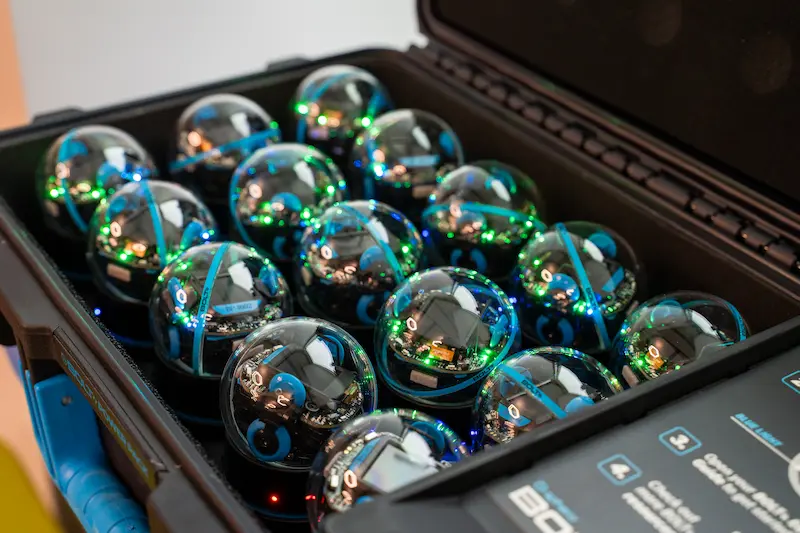
Sphero Central transforms robotics from a fun activity into a powerful instructional tool. By organizing classes, assigning standards-aligned activities, and encouraging collaboration, educators can spend less time managing technology and more time helping students learn. Through hands-on robotics activities, students develop coding, problem-solving, and computational thinking skills. With the right classroom structure in place, Sphero can become a meaningful part of any STEM program.
STEM Education Works is dedicated to providing cost-effective and user-friendly access to top-notch STEM curricula and technologies, driven by our mission to transform students’ lives. Learn more about what we do through our socials, Facebook, Twitter, Youtube, LinkedIn, Instagram, and TikTok.