Kickstart Your STEM Program: Easy Wins for the Start of the Year
June 8, 2026
Electrifying Education w/ BOLT+ and Sphero Central
June 8, 2026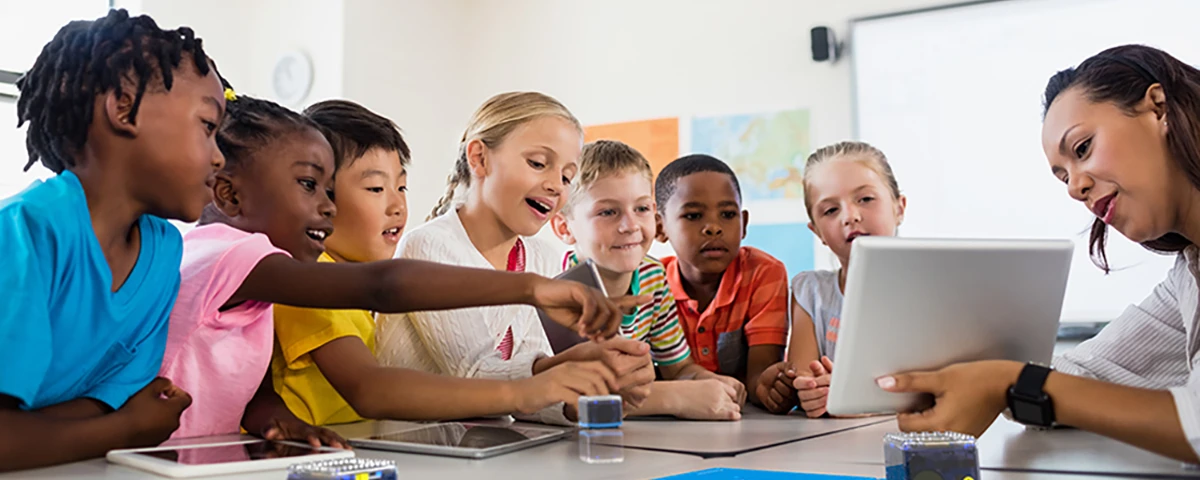
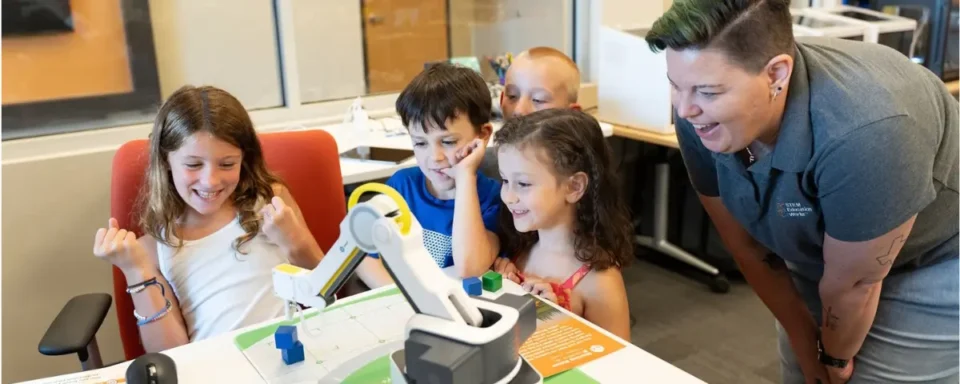
To write successful code, you need to create simple step-by-step instructions that a robot or computer can follow. Recipes function in a similar way. If you miss an ingredient or skip a step, the final product won’t be correct. Younger students can have trouble grasping coding, but connecting coding to baking can get them excited to learn and teach them the importance of ensuring all the steps are in the right order. With KaiBot, students can get hands-on coding experience without touching a computer screen. Using the code cards, students can set up complex coding sequences and watch the robot follow the sequence in real time.
Teaching Sequencing Through Hands-On Learning
To get started, KaiBots read coding cards. Each coding card has a specific instruction, such as move forward, turn left, wait, and repeat actions. By placing the KaiBot on each card in order, the robot scans the instructions and remembers the sequence. Then, you can place the KaiBot on the starting tile and press “run,” watch it act out the given instructions. This tactile approach to learning coding keeps students engaged, especially younger and neurodivergent learners. You can even have your students act out the sequence by taking steps in the classroom to build their understanding and find potential errors before running the robot. KaiBot also warns students about an error when reading the cards. If there’s a missing sequence (like an end card), the robot will tell students there is a bug in the code.
Using Real-World Scenarios to Build Computational Thinking

When teaching coding with robots to young learners, they can sometimes see the activity as just playing. But if there are real-world connections built into the lesson, they understand the relevance of what they’re learning. Just like code, recipes require students to plan ahead and carefully follow instructions to succeed. For young learners, this comparison helps them understand the importance of following each step in order. If they run into a problem, they learn to trace their steps back to the last successful step.
Inclusive Coding for Every Learner
KaiBot is a great tool for K-8 students. These robots allow students to have a screen-free coding experience in elementary school. This tactile experience is great for neurodivergent learners who may have trouble staying engaged and focused. For older students, these bots can also be programmed on a computer or iPad, using block coding all the way up to Python.
KaiBot also has many accessibility tools. The code cards come in multiple languages (English, Spanish, French, Italian, etc.) and even in Braille. As the robot reads each coding card, it provides audio feedback and lights up, meaning that students with visual or hearing impairments are included in the fun.
Supporting Teachers with Flexible Resources
For teachers, KaiBot easily fits into the classroom. Different grade levels can use the same robots, so a school doesn’t have to buy more complex models for older students or students with different needs. There is also a wide variety of free lesson plans from the Kai’s Education team. These resources can help educators of any experience level get started or look for new challenges for their students.
With KaiBot, students can learn to code without a screen, making it simple for elementary students to understand. Tactile coding keeps students engaged and eager to see what the robot will do next. With the right resources and support, your students can progress their coding and problem-solving skills using KaiBot.
STEM Education Works is dedicated to providing cost-effective and user-friendly access to top-notch STEM curricula and technologies, driven by our mission to transform students’ lives. Learn more about what we do through our socials, Facebook, Twitter, Youtube, LinkedIn, Instagram, and TikTok.