
Mind Wipe: Is forgetting the future of brain science?
September 22, 2026
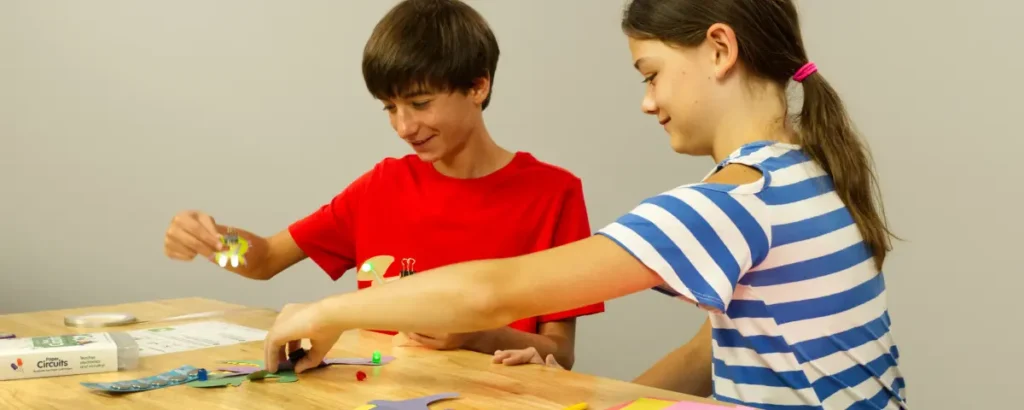
The beginning of the year can be complete chaos in a STEM classroom. Learning new technology is exciting but intimidating for many students, and trying to teach a classroom full of students without overwhelming them can be a real challenge for teachers. Here are some fundamental strategies to get your students started, no matter what type of technology your classroom has.
Use It
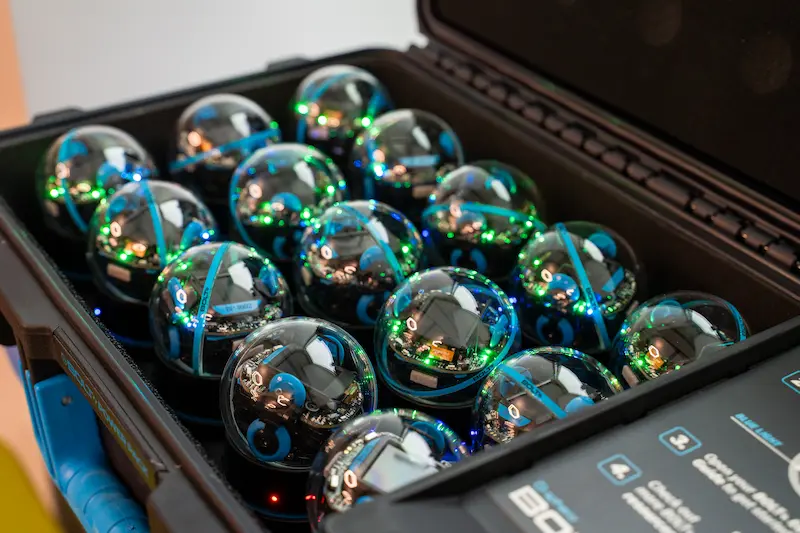
From the first day of class, you can introduce students to STEM technology by setting up an activity where students simply use the technology to see how it works. The goal is to let students interact with unfamiliar technology before asking them to create something with it.
Try it with:
- micro:bits: Set up a simple dice program, where the micro:bit returns a number between one and six when shaken, and have students observe what happens when they shake the micro:bit.
- Sphero robots: Run a short movement program, then ask students to connect the code steps to the robot’s movement.
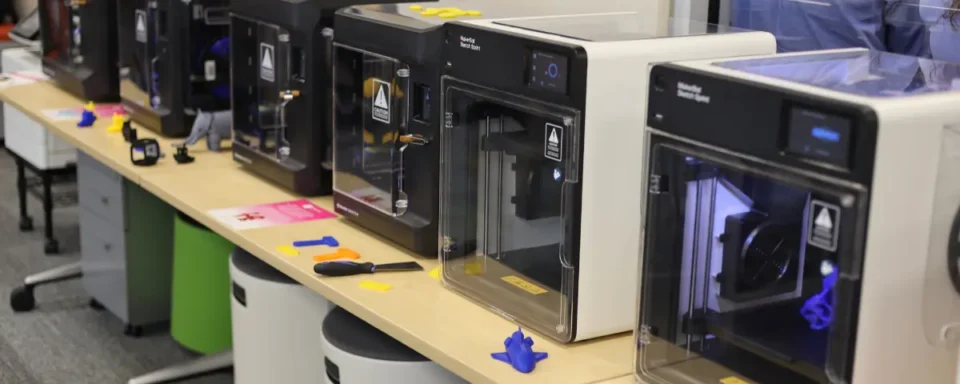
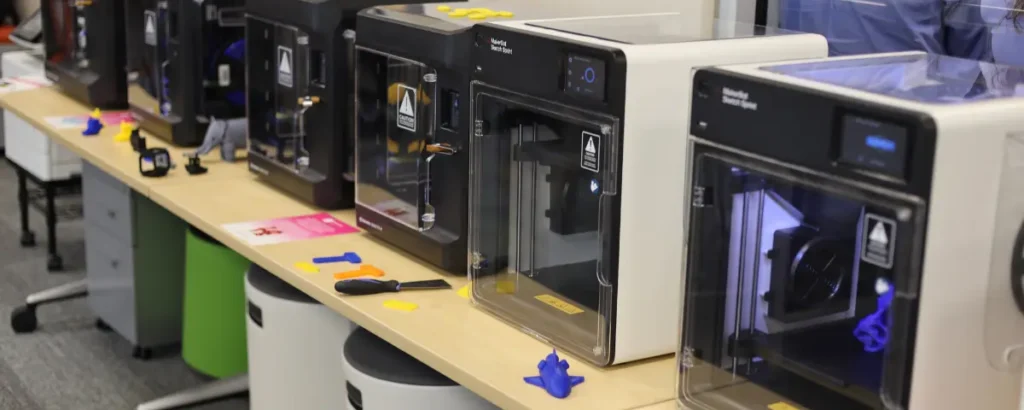
- 3D printers: Give students a finished print and encourage them to discuss how thickness, lettering, and other design choices impact the final object.
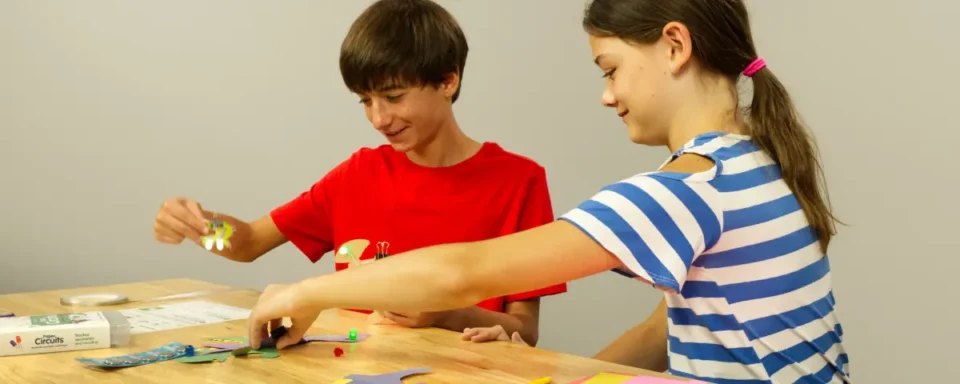
- Craft supplies in your makerspace: Show students a completed model bridge, then ask them to test it and consider how its supports help it hold weight.
Arrange It
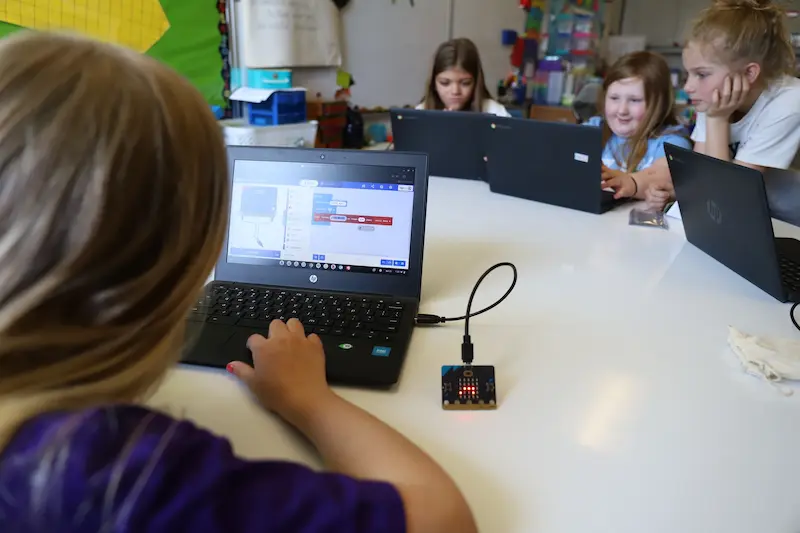
The next step is to guide your students through a basic activity by providing them with all the pieces they need to complete it. From there, all they have to do is figure out how to put all the pieces together. By limiting the choices that students can make, you’re encouraging them to focus on how the pieces work together.
Try it with:
- micro:bits: Provide your students with all the coding blocks they need to complete the activity. Students learn how block coding works without having to search to find the piece of code they need.
- Sphero robots: Set up a maze that students have to move the robot through. Similar to the micro:bit activity, provide your students with all the coding blocks they’ll need in the program workspace.
- 3D printers: In Tinkercad or Onshape, provide your students with the basic shapes that they’ll need to create a basic design, like a keychain with their name on it. Students get to explore 3D design, but you can still control and guide them through the activity.
- Craft supplies in your makerspace: Provide your students with partially prepared pieces of the bridge that students can combine and explore what pieces work together to create a sturdy design.
Fix It
The most important thing students can learn from STEM is how to solve problems. Starting at the beginning of the year, challenge your students to recognize problems and try to fix them. Trial and error is a key part of any STEM project, and it can help students learn to avoid problems before they arise in future assignments.
Try it with:
- micro:bits: Give your students a program with an intentional error. Through troubleshooting, they learn how code works and how to fix errors. For the dice activity, set the code to randomize between one and five, instead of going all the way up to six, so students have to try the code multiple times and think critically about the error.
- Sphero robots: For your maze program, remove a necessary piece of code or purposefully rearrange the code, so the robot cannot complete the maze. The problem-solving process helps students break down the code and learn how every piece works together to create the desired outcome.
- 3D printers: Provide all the necessary design elements but distort shapes or squeeze text together. Students get to explore how size and proportionality work together to create a successful print.
- Craft supplies in your makerspace: Give your students a model bridge that sags, tips over, or just can’t hold much weight. Challenge your students to think of how they could support the bridge to make it more stable.
Build It
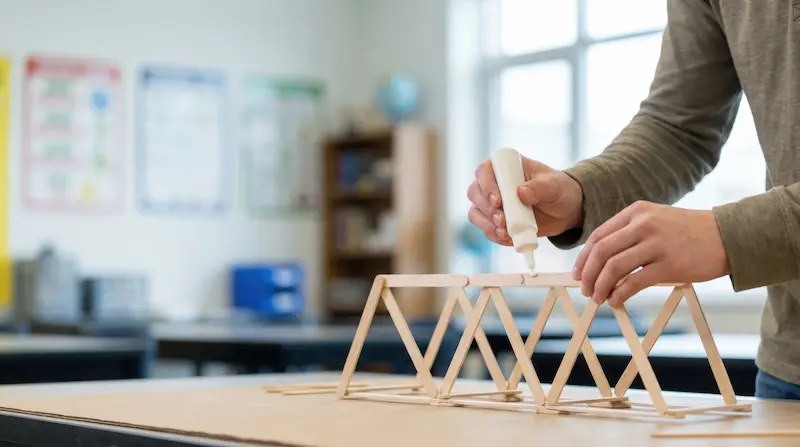
Finally, let your students try it on their own! Now that they’re comfortable using the technology and understand the fundamentals, they can create something on their own. Building up to this process helps students avoid getting frustrated or overwhelmed at the beginning of the year.
Try it with:
- micro:bits: Give students a goal, but let them find and arrange the blocks of code needed to accomplish the goal.
- Sphero robots: Students write code from scratch to navigate a new maze.
- 3D printers: Show students a finished example, but let them figure out the steps needed to get there on their own.
- Craft supplies in your makerspace: Challenge your students to create a bridge with specific dimensions using the materials you’ve provided.
Make the Year STEM-tastic
Getting started in a STEM classroom can be overwhelming, but by building up to major challenges, students learn one step at a time how to solve problems and create something new. These strategies help get the school year rolling by exciting students about small achievements, like learning to fix a bug in their code.
STEM Education Works is dedicated to providing cost-effective and user-friendly access to top-notch STEM curricula and technologies, driven by our mission to transform students’ lives. Learn more about what we do through our socials, Facebook, Twitter, Youtube, LinkedIn, Instagram, and TikTok.